



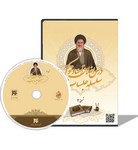
About Tahrir al-Wasilah
**Introduction:
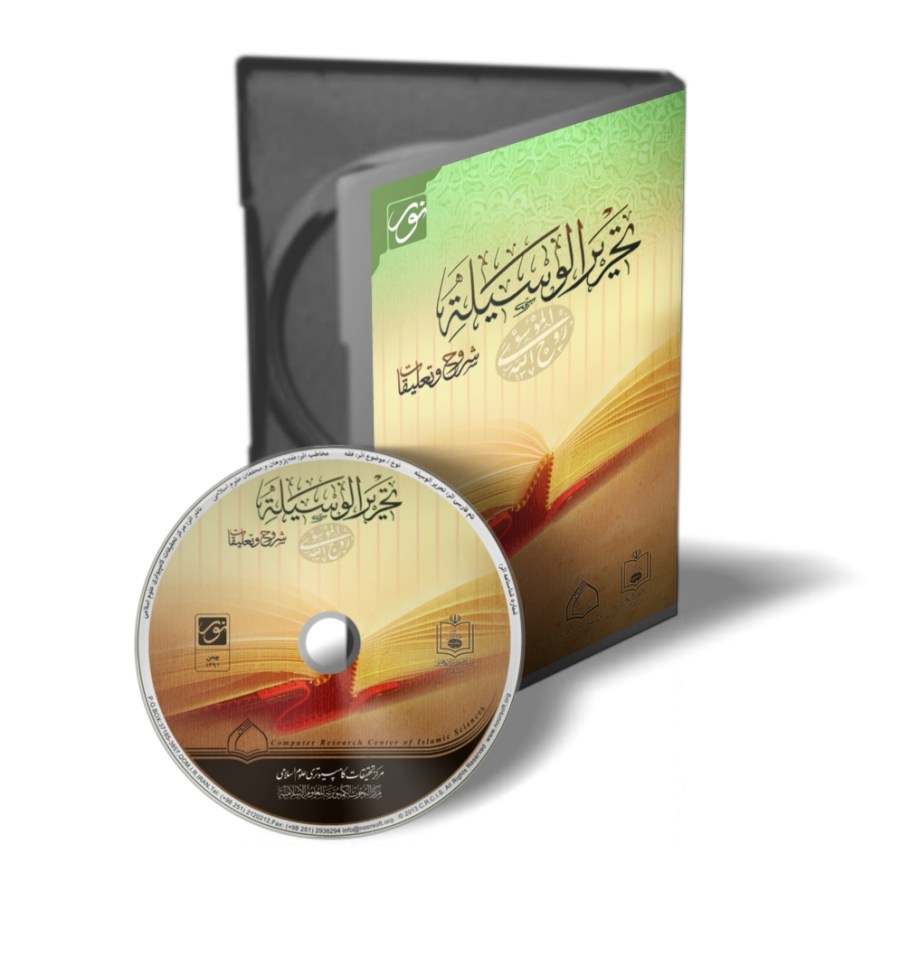
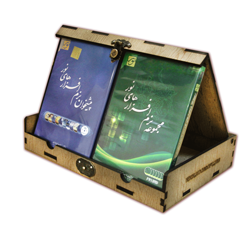
The "Tahrir al-Wasilah" software, centered around the valuable book "Tahrir al-Wasilah", the jurisprudential work of Imam Khomeini (peace be upon him), contains related jurisprudential works (Arabic and Persian) associated with this book. In the fields of both jurisprudential verdicts (fatwa) and jurisprudential reasoning, it includes works by great scholars such as: Ayatollah Seyyed Abolhassan Isfahani (peace be upon him), Ayatollah Sobhani, Ayatollah Makarem Shirazi, Ayatollah Gerami, and other great figures. It should be noted that this program includes various sections and features, which will be explained below under the two headings "Content" and "Features".
Program Content:
This software comprises 48 book titles in 162 volumes, and its content is accessible through "7 groups". These groups are as follows:
A – All Books: By selecting this group, the text of all books available in this program will be provided to the user.
B – Wasilat al-Najat: The text of the book "Wasilat al-Najat with Imam Khomeini's Annotations (peace be upon him)", the work of Ayatollah Seyyed Abolhassan Isfahani (peace be upon him), is placed in this section.
C – Tahrir al-Wasilah: If the user selects this group, the complete text of 4 book titles in 7 volumes from various editions of Imam Khomeini's Tahrir al-Wasilah (peace be upon him) becomes accessible.
D – Translations of Tahrir al-Wasilah: The complete text of 2 book titles in 6 volumes of translations of Tahrir al-Wasilah is included in this group.
E – Selections from Tahrir al-Wasilah: If the user wishes to use selections from Tahrir al-Wasilah, the complete text of 5 book titles in 8 volumes is available under this classification heading.
F – Commentaries on Tahrir al-Wasilah: In this group, the complete text of 6 book titles in 12 volumes of commentaries written about Tahrir al-Wasilah is provided to the user.
G – Explanations of Tahrir al-Wasilah: In this software, the complete text of 29 book titles in 127 volumes of explanations for Tahrir al-Wasilah has been made available for users. These explanations can be viewed under this classification heading.
It should be noted that among the books available in this program, the following examples can be mentioned:
1. Tahrir al-Wasilah, by Imam Khomeini (peace be upon him);
2. Ahkam al-Qisas fi al-Shari'ah al-Islamiyah al-Ghara', by Ayatollah Sobhani;
3. Misbah al-Shari'ah fi Sharh Tahrir al-Wasilah: Kitab al-Ijtihad wa al-Taqlid, by Ayatollah Abd al-Nabi Namazi;
4. Mishkat al-Shari'ah fi Sharh Tahrir al-Wasilah (Kitab al-Hajj), by Seyyed Zia Mortazavi;
5. Mabahith Huquqi Tahrir al-Wasilah, by Seyyed Mohammad Mousavi Bojnourdi;
6. Kawthar al-Fiqh: Sharh Tahrir al-Wasilah, by Ali Mohammadi Khorasani;
7. Dalil Tahrir al-Wasilah, by Ali Akbar Saifi Mazandarani;
8. Tahrir Tahrir al-Wasilah lil-Imam al-Khomeini (peace be upon him), by Ali Mashkini;
9. Al-Ta'liqah 'ala Tahrir al-Wasilah, by Ayatollah Gerami;
10. Kitab Shinasi Tahrir al-Wasilah, by Hassan Poya.
Program Features:
The library software "Tahrir al-Wasilah", by utilizing diverse research capabilities and valuable features in the field of researching Islamic texts, paves the way for researchers and dear users on this path effectively.
Simple and advanced search in text and index, text display, research scope, tree and selective index, independent user environments, dictionary, note-taking, printing, margin annotation, coloring, and trilingual user interface are among these features. Understanding these capabilities enables users to organize their research appropriately in the shortest possible time and make the most of the scientific content and technical features of this program.
The most important capabilities available in the "Tahrir al-Wasilah" software include the following:
1. Search
This capability is performed in two ways: "Search in Text" and "Search in Index". By selecting this option, various abilities are provided to the user for searching words and phrases in different ways. Types of advanced search in the index and texts of the program's books with the help of search operators, the possibility of indexing from the index and texts of books using general symbols or Wildcard (? and *), as well as the possibility of performing various operations in the created indexes, exist in this section. Accessing desired texts through volume and page numbers, as well as reconstructing word indexes by changing the search scope, are other capabilities of this section. The "Pattern Modeling" feature is also another ability of the search section that can be used to provide a list of words containing specific characters using the input line.
Among other features of the "Search" section is the "Create Personal Scope" capability, which helps the user accomplish a specific search. Also, the user can independently save their performed searches in this section (Search) to easily access them when needed.
2. Text Display
In this section, one can access the text of all works available in the program. "Selecting tree and selective indexes and linking them with the text" as well as "matching the text with those indexes" are important features of the display section. "Using distinct colors for each text", "selecting book title, volume, and page" and "expanding the text and index page" are other features of this section. In the display section, one can also compare two texts simultaneously and limit the scope of books, chapters, and headings. It should be noted that the user can independently save all their selected texts in this section to refer to them easily when needed.
3. Scope
In computer research, the breadth of the research field is not always beneficial to the researcher and sometimes poses several difficulties to the research process. Therefore, an effective tool for limiting the research scope is necessary. For this purpose, to facilitate the research process, an option titled "Scope" or "Selection" has been included in this software. The user can select this option to limit their research scope to reach the desired content more quickly.
4. Tree Index
By selecting this option, the tree index of the program's books is provided to the user. This index initially contains only the names of the books, and by clicking on the symbol next to each book's name, the titles of its chapters and sections will also be displayed.
5. Selective Index
If this option is active, the index of chapter and section titles of all the software's books is provided to the researcher, and by repeatedly clicking on any of these titles, the related text appears in the window opposite the index. In this section, the user can select and limit the book index based on their desired subject.
6. Dictionary
One of the essential needs during research is the use of dictionaries or glossaries. Accordingly, to facilitate understanding words and accessing the meanings of phrases, this capability has been provided to the researcher and user. This section is designed so that one can easily access the meanings and root of each word through the root or derivative, and if necessary, study the complete text of the dictionary. In this program, the complete text of 10 Arabic and Persian dictionaries has been included.
7. Related Books
Among other features available in this software is the "Related Books" section. Using this capability, translations and explanations are linked to their original text. Displaying the tree index and also displaying links of the existing book are features of this section.
8. Indexing
One of the advanced capabilities of this program is the feature of indexing using general symbols or Wildcard (? and *). Using this feature, dynamic and diverse indexes of words in various forms can be prepared, and one can explore a single word or all words in an index. Additionally, these indexes can be combined with each other, and various searches can be performed in them.
9. Active Research
The "Active Research" option, which is displayed with a right-click, is provided for easier connection with other sections of the software. If the user, while reviewing the text, needs to refer to other sections such as: Display, Search, Quran, or Dictionary, they can use this capability.
10. Bibliography
With the help of this option, useful information can be obtained about the books available in the program and the biographies of their authors. In the "Bibliography" or "Book Name" section, the names of books available in the program can be viewed, and the possibility of accessing sufficient explanations about each book and its author is provided to the user. Additionally, information about the version description of each book can also be obtained.
11. Note-taking
On all pages of this software, there is the possibility to save and edit text in the notes section, and the researcher can benefit from the ability to transfer text from the program environment to the MS Word environment. It should be noted that the notes page of this software is designed in a format similar to the MS Word environment, and various features have been placed in it for organizing the selected text.
12. Printing
The user can, if necessary, use the printing option and benefit from its multiple capabilities to print texts available in this program and their notes.
13. Guide
By selecting the "Guide" option, useful explanations can be obtained for further familiarity with the desired sections of the software.
14. Research Tools
Diverse research tools are among the most effective sections of this program, through which the user can significantly speed up and organize their research. These tools are:
– Indexing: Indexing text is one of the modern methods in information retrieval, through which the researcher can study different texts and summarize their main content in several phrases or words, and finally by removing similar items and arranging indexes side by side, obtain new points and draw conclusions from them.
– Margin Annotation: The "Margin Annotation" capability facilitates the research process. Using this capability, the user can briefly or in detail note their point, opinion, or desired content in the margin annotation section to refer to them in later stages of research and deepen or expand their research.
– Coloring: Coloring is for retrieving information in the text. With the help of this option, by coloring the desired text and distinguishing it from other parts of the text and considering a specific title for the colored part, one can reach the desired content more quickly when referring back to the text.
– Marking: Using the "Marking" option, important parts of the text can be marked and referred to when needed. With this method, the researcher can easily specify a part of the text and compare it with other parts if necessary.
15. Additional Features
Additional features usually include: Keyboard, Font, Research, and Language. In this section, for ease of using the software, several common types of keyboards have been included. In this section, there is also the possibility for the user to choose several types of display fonts. With the help of the "Research" option, the researcher can specify a path for recording their research and delete indexes, margin annotations, text colors, and marks existing in the books.
In the "Language" section, the possibility to change the program language to: Persian, Arabic, or English is provided, where by selecting the desired language, all options of the software, except for the text and index of books, change to the desired language. Further clarification is that the User Interface, the Help section, and the "About Program" section of this software can be set in three languages: Persian, Arabic, or English so that different users can use the program more comfortably. Of course, when changing the software language to the desired one, the language of the texts available in the program will not change in any way and will remain in their original form.
**



Share your thoughts with other customers