

About The Two Imams al-Jawad (Peace Be Upon Them)
Program Contents
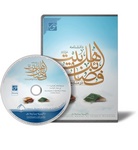
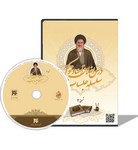
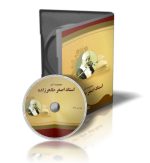
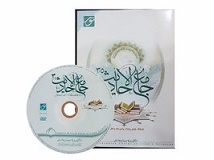
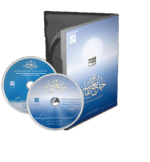
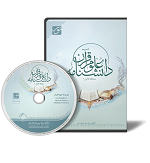
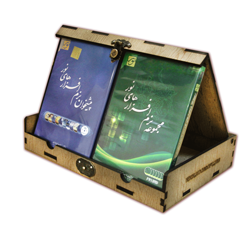
The software **"Collection of Papers from Conferences on the Conduct and Era of Imam al-Kazim and Imam al-Jawad (Peace Be Upon Them)"** is produced by the **Center for Computer Research in Islamic Sciences** and the **Secretariat of the Conferences on the Two Imams al-Jawad (Peace Be Upon Them)**. It includes the full text of the conference papers, in Persian, covering topics such as Islamic doctrines, conduct, and knowledge. This digital library — containing valuable and rich content — provides detailed insights into the lives, conduct, eras, and knowledge related to Imam al-Kazim and Imam al-Jawad (Peace Be Upon Them), serving enthusiasts and researchers in Islamic sciences and knowledge.
B — Program Features
* Text Display
- Access to the full text and table of contents of all works available in the program.
- Ability to select hierarchical or selective tables of contents and link them to the text, with bidirectional synchronization between text and tables.
- Ability to select book title, volume, and page, along with the option to expand text and table views.
- Simultaneous comparison of two texts from one or two books.
- Restricting the scope of text and book tables to desired items.
- Ability to save each selected text or table independently for easy future access.
* Search
- Simple and advanced search within the program’s texts and book tables.
- Ability to save each performed search independently for easy future access.
- Restricting search scope to specific texts with advanced features.
- Dynamic and diverse indexing of words using general tags.
* Dictionary
- Full text of multiple editions of the dictionary, with access to word roots and derivatives.
- Linking program texts’ vocabulary to built-in dictionaries for easier comprehension of meanings.
* Active Research
- Linking texts and book tables with other program sections such as: Display, Search, Quran, Dictionary, or Bibliography.
- Ability to transfer selected text to clipboard or Microsoft Word environment.
* Note-Taking
- Ability to transfer desired text or table to the program’s notes section.
- Ability to save and edit transferred text within the notes page.
- Transfer text from notes section to Microsoft Word environment.
* Printing
- Print desired text or table by user, with multiple features.
* Help / Guide
- Access to useful explanations for better familiarity with different sections of the program.
* Research Features
- Indexing, annotation, highlighting, and tagging of texts for faster retrieval and recording of additional information related to program texts.
- User-manageable research tools.
* Peripheral Features
- Access to several common keyboard layouts and multiple display fonts for easier software use.
- Ability to specify save path for research with diverse features.
- Option to display or hide diacritics and headers in program texts.
Share your thoughts with other customers